
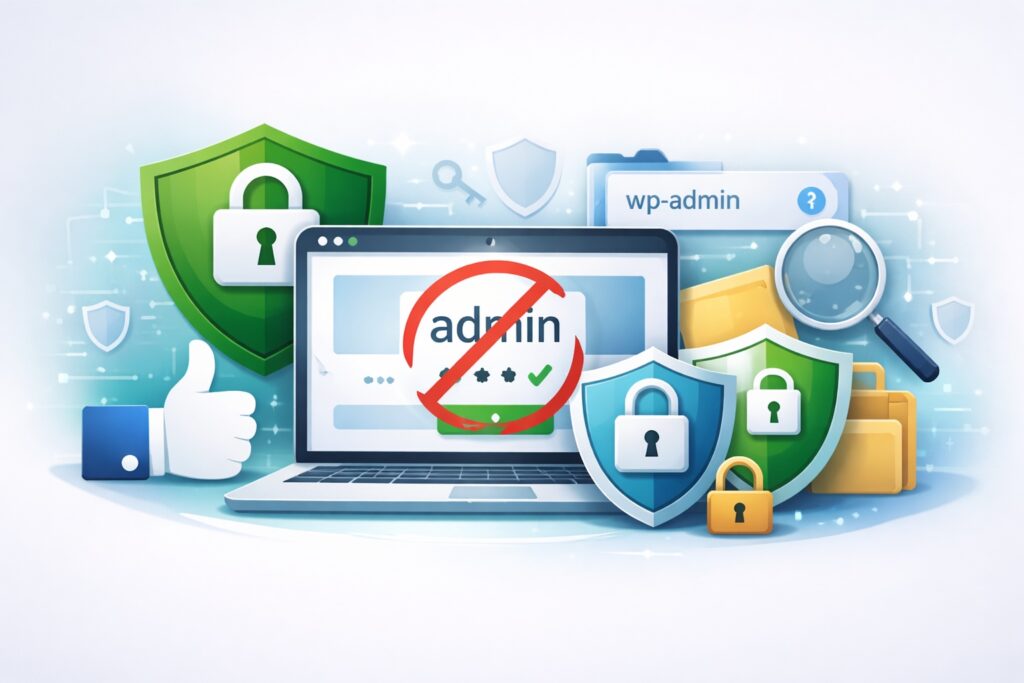
If you run a WordPress site, two of the easiest upgrades you can make are also two of the most overlooked: changing your username away from “admin” and limiting exposure to the wp-admin login area. Neither step replaces strong passwords, updates, or backups, but both reduce the most common type of attack WordPress sites face, automated login abuse. Most compromises do not start with a genius hacker manually targeting your site. They start with bots scanning the internet, finding WordPress logins, and hammering them with credential guesses until something works.
Using “admin” as a username hands attackers half of the login puzzle. Leaving wp-admin and the default login endpoint exposed gives bots a stable target to hit all day, every day. When you remove those easy wins, you force attackers to do more work, create more noise, and in many cases move on to easier sites.
Why changing “admin” removes a huge advantage for attackers
Attackers love predictable patterns, and “admin” is the most predictable WordPress username ever. Automated brute-force and password-spraying tools typically try common usernames first, then cycle passwords. If your username is “admin,” they only have to guess one thing: the password. If your username is unique, they now have to guess two things, and that dramatically increases the effort and time required.
There’s another reason this matters: usernames are often easier to discover than people think. Author archives, old theme templates, REST API exposures, RSS feeds, and public content metadata can leak usernames. Even without leaks, bots will still try “admin” on every WordPress site they find because the success rate is high across the internet. So changing your username removes a default assumption that attackers rely on.
To do it safely, create a new administrator account with a unique username, log in with that account, and then delete the old “admin” user, assigning its content to the new account. If you cannot delete it, at least demote it to a subscriber with no privileges. Pair that change with a strong password and multi-factor authentication, and you’ll block a large portion of common credential attacks.
Why moving or restricting wp-admin reduces brute-force pressure and noise
Changing the location of wp-admin, or more accurately, changing the default login URL, is about reducing exposure. Bots know exactly where WordPress login pages live by default. They don’t need to “find” your login page, they just request it and start attacking. If you change the login URL, automated scans often fail because they keep hitting a page that no longer exists or returns a block.
That said, this tactic works best as “reduce exposure,” not “security by secrecy.” A determined attacker can still find a login page through other signals, and some plugins can reveal it. The real value is that it cuts down opportunistic attacks, reduces server load, and makes suspicious activity easier to spot because you are not buried in constant bot traffic.
Even better than only moving the URL is restricting access. Limiting wp-admin by IP allowlist, requiring VPN access, using a web application firewall, or adding a second gate like CAPTCHA can drastically reduce login abuse. Also, disable XML-RPC if you do not need it, because it is a common brute-force pathway on WordPress sites.
Bottom line: changing “admin” removes an attacker’s favorite username, and reducing wp-admin exposure shrinks the easiest target on your site. Combine these steps with updates, least-privilege user roles, reliable backups, and MFA, and you will make your WordPress site far harder to compromise.
