
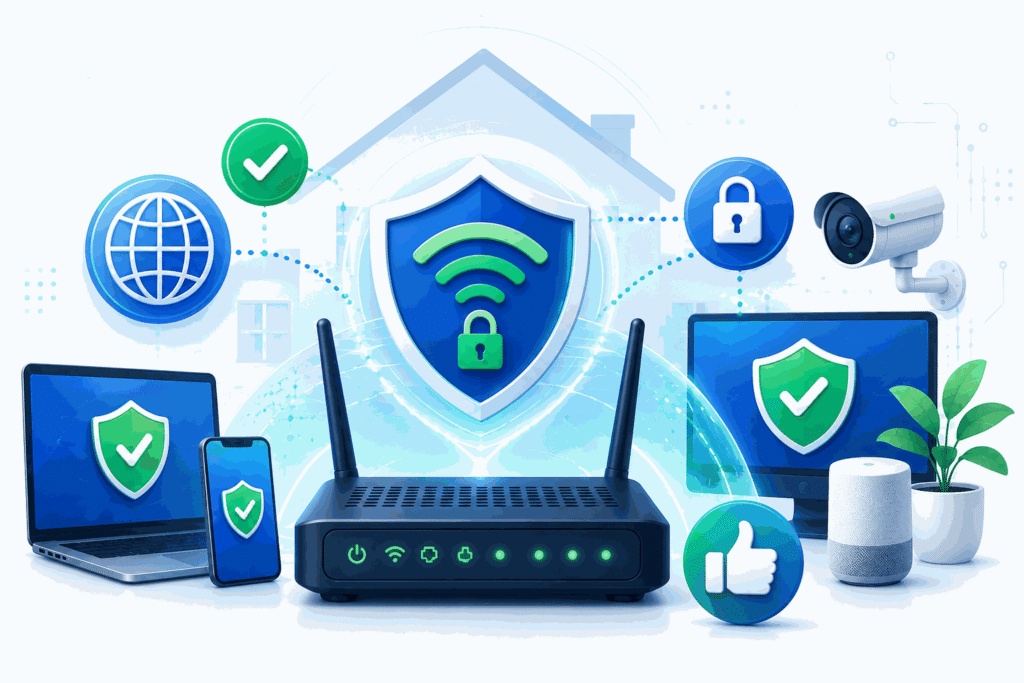
Home internet security is becoming more important than ever as families, remote workers, students, and small businesses rely on connected devices every day. Recent discussion around the FCC’s router ban has raised an important question: what happens when popular networking equipment reaches the end of support, updates, or approval? At Website Secure, we see this as a valuable opportunity for everyone to better understand router security, plan ahead, and make smarter choices about the devices protecting their homes and businesses.
Why Router Security Matters for Every Home Network
Your router is more than a small box that provides Wi-Fi. It is the front door to your digital life. Every phone, laptop, smart TV, security camera, gaming console, thermostat, and work device depends on it to connect safely to the internet. If a router is outdated, poorly maintained, or no longer receiving security updates, it can become a weak point in the entire network.
The concern around router bans is not only about whether a device works today. It is also about whether that device will remain secure tomorrow. If manufacturers are restricted, removed from approved lists, or no longer able to provide support in certain markets, some routers may stop receiving firmware updates. Without updates, known vulnerabilities can remain open for attackers to exploit.
This matters because cybercriminals often target routers. A compromised router can be used to redirect web traffic, spy on browsing activity, spread malware, steal login information, or become part of a larger botnet. Many people update their phones and computers regularly, but forget that routers need updates too.
The positive lesson is simple: home users have more control than they may realize. By checking router settings, installing updates, changing default passwords, and replacing unsupported equipment, households can greatly improve their internet security.
How to Prepare for Router Support Changes and Stay Secure
The first step is to identify your router model and manufacturer. Log in to your router’s admin dashboard or check the label on the device. Then look for firmware update options. Many modern routers can update automatically, but older models may require manual updates.
Next, check whether your router is still supported by the manufacturer. If updates have not been released in years, it may be time to replace the device. A router can still appear to work while quietly becoming less secure over time. That is why support status matters just as much as speed or signal strength.
Website Secure also recommends changing the default admin username and password. Many routers are still using factory settings, making them easier targets. Use a strong, unique password and enable multi-factor authentication if your router or network management app supports it.
It is also smart to review connected devices. Remove anything you do not recognize, create a separate guest network for visitors, and place smart home devices on their own network when possible. This helps limit risk if one device becomes compromised.
For families and small businesses, the FCC router ban conversation should be seen as a reminder to plan ahead. Technology rules, manufacturer support, and security standards can change. Choosing routers from trusted brands with a strong update history can help protect your investment.
The good news is that better router security does not have to be complicated. A few practical steps can make a major difference: update firmware, replace unsupported devices, use strong passwords, and monitor your network.
At Website Secure, we believe every home deserves safe, reliable internet. The FCC router ban discussion may sound technical, but the lesson is clear and useful: your router has a security lifespan. Knowing when to update, when to replace, and how to protect it helps keep your entire digital world safer.
